
If you run a small business, email is probably one of your most important tools.
- You receive customer inquiries.
- Invoices arrive there.
- Supplier communication happens there.
- Payment confirmations are sent there.
- Staff discussions often depend on it.
That also makes email one of the biggest targets for cybercriminals.
Many small businesses assume phishing attacks only happen to large companies.
That is not true.
Small businesses are often targeted because attackers expect weaker security and less awareness.
This is exactly why many owners are now searching for how to protect small business emails from phishing attacks easily, because one fake email can create serious financial and operational damage.
The good news is, you do not need an expensive IT department to reduce risk.
Simple habits and smart systems can dramatically improve email security.
Let’s break it down in a practical and easy way:
What Is a Phishing Attack?
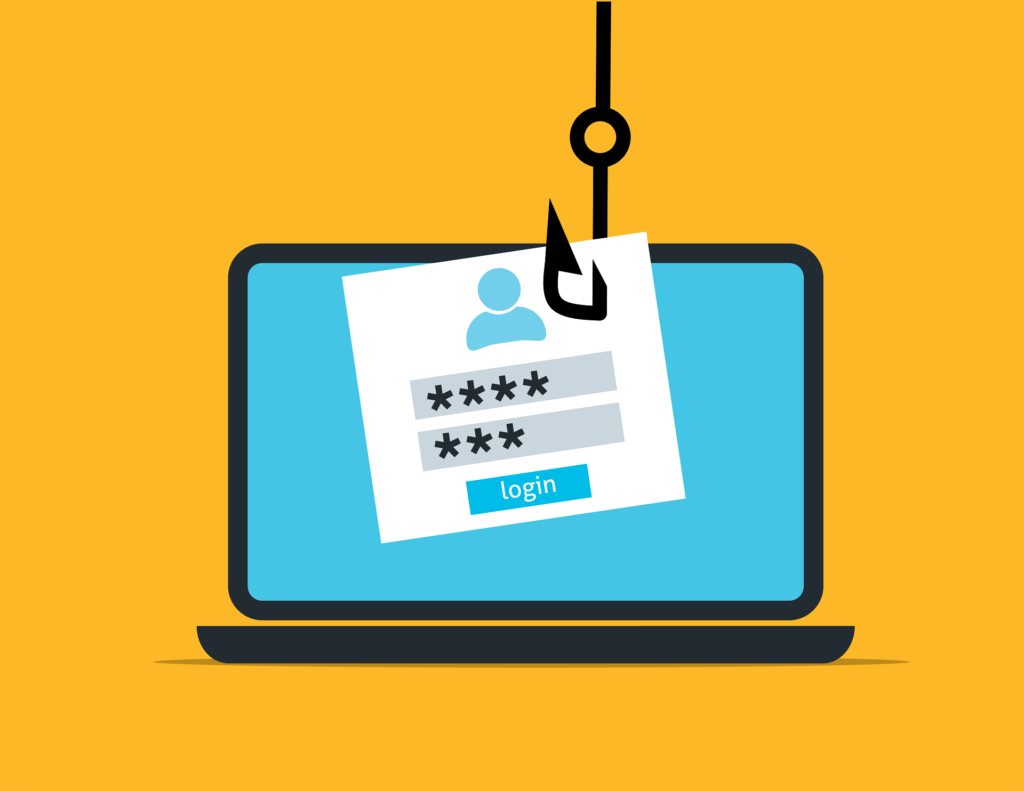
Phishing is when someone pretends to be a trusted person or company to trick you into:
- Clicking dangerous links
- Sharing passwords
- Downloading malware
- Sending money
- Revealing sensitive business information
The message may look real.
It might appear to come from:
- A bank
- A supplier
- A courier service
- A staff member
- Microsoft
That is why phishing can be dangerous.
Why Small Businesses Are Common Targets?
Many cybercriminals target smaller companies because they may have:
- No dedicated IT team
- Busy staff who click quickly
- Weak passwords
- Limited training
- Less secure devices
This makes learning how to protect small business emails from phishing attacks easily extremely important.
Common Signs of Phishing Emails:
Many fake emails share warning signs.
Look for:
- Urgent pressure like act now
- Unexpected attachments
- Spelling mistakes
- Suspicious sender addresses
- Requests for passwords
- Fake invoice notices
- Links that look unusual
If something feels strange, slow down.
Where Small Businesses Should Focus First?
When owners search how to protect small business emails from phishing attacks easily, these are the best starting points.
- Strong Password Security
Use unique passwords for business email accounts.
Avoid:
- 123456
- businessname123
- same password on many accounts
Use long secure passwords or a password manager.
- Two Step Verification
Enable two-factor authentication on email accounts.
Even if a password is stolen, attackers may still be blocked.
This is one of the strongest easy protections.
- Staff Awareness
If employees use email, teach them to:
- Check sender addresses
- Avoid suspicious links
- Verify payment requests
- Report strange emails immediately
Human awareness matters.
- Device Updates
Keep computers, phones, and browsers updated.
Updates often fix security weaknesses attackers use.
- Safe Link Checking
Before clicking, hover over links when possible.
If unsure, visit the official website manually instead.
Step by Step: How to Protect Small Business Emails
If you are wondering how to protect small business emails from phishing attacks easily, follow this simple system.
Step 1: Secure All Main Email Accounts
Start with:
- Owner email
- Finance email
- Sales inbox
- Support inbox
Change weak passwords and enable two-step verification.
Step 2: Review Old Access
Remove ex-staff or unused device access.
Only active users should have entry.
Step 3: Create Verification Rules
For money requests or sensitive changes:
Always verify by phone or second message.
Never trust email alone.
Step 4: Train Everyone Monthly
Share examples of phishing attempts.
Short regular reminders work well.
Step 5: Backup Important Emails and Data
Keep copies of key records and invoices.
This helps if accounts are compromised.
Real Life Example:
Let’s say you run a local wholesale business.
Before protection:
- Finance staff clicks a fake supplier invoice.
- Login details are stolen.
After simple improvements:
- Two-step verification enabled.
- Staff trained to verify invoices.
- Suspicious messages reported quickly.
Result: much lower risk with minimal cost.
Common Mistakes to Avoid:
While learning how to protect small business emails from phishing attacks easily, avoid these mistakes.
- Rushing Through Emails
Attackers rely on speed and distraction.
Pause before clicking.
- Reusing Passwords
One stolen password can expose multiple systems.
- Trusting Display Names Only
A fake sender can use a familiar name.
Always check full addresses.
- Ignoring Small Suspicious Signs
Minor spelling errors or odd urgency often matter.
How Better Email Security Helps Business Growth?
Once businesses apply how to protect small business emails from phishing attacks easily, they often notice:
- Safer operations
- Lower fraud risk
- More customer trust
- Less downtime
- Better confidence using digital tools
Security supports long-term growth.
Is Protection Expensive?
Many owners assume it costs a lot.
But strong first steps are often low cost or free:
- Strong passwords
- Two-step verification
- Staff awareness
- Regular updates
- Verification procedures
The cost of one scam can be far higher.
How Fast Can You Improve Security?
Usually immediately.
Today:
- Change passwords
- Enable two-step verification
- Warn staff about phishing signs
This week:
- Review access
- Create payment verification rules
- Update devices
That already creates stronger protection.
Simple Weekly Email Security Routine:
Monday:
Check account alerts
Wednesday:
Review suspicious messages
Friday:
Update devices and backup records
Consistency matters.
Future of Small Business Communication:
As businesses rely more on digital communication, phishing risks continue growing.
Businesses with stronger email protection often gain advantages through:
- Trust
- Reliability
- Lower disruption risk
- Safer finances
Those ignoring security may face avoidable losses.
Final Thoughts:
If you have been thinking about how to protect small business emails from phishing attacks easily, now is the right time to act.
You do not need a large IT budget.
You do not need expert technical skills.
Start with basics:
- Strong passwords
- Two-step verification
- Staff awareness
- Safe link habits
- Verification rules
Then improve gradually.
Soon, you may notice something powerful.
Your email becomes a safer tool for growth instead of a hidden risk.
FAQs
Are small businesses really targeted by phishing?
Yes. Many attackers target smaller businesses expecting weaker security.
What should I do first?
Secure email passwords and enable two-step verification.
Can staff training really help?
Yes. Awareness prevents many attacks before they happen.
Do phishing emails always look fake?
No. Many are designed to appear professional and convincing.