
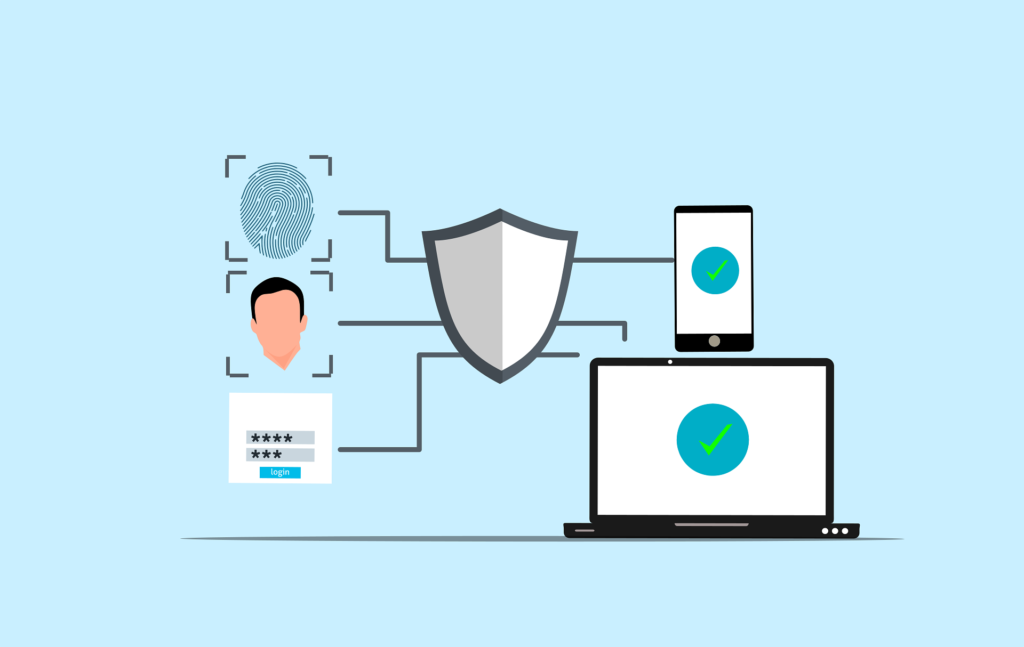
If you are a freelancer, clients trust you with more than just work.
They may share documents, passwords, contracts, private messages, business plans, customer information, design files, financial details, or login access.
That trust is valuable.
But many freelancers focus only on deadlines, quality, and payments while ignoring one important area: security.
A single stolen file, hacked email, or lost device can damage your reputation and client relationships.
This is exactly why many people are now searching for how freelancers can secure client data with simple cybersecurity steps, because they want practical protection without becoming tech experts.
The good news is, strong security often starts with simple habits.
You do not need a corporate IT team or expensive software to protect client information better.
Let’s break it down in a practical and easy way:
Why Freelancers Need Cybersecurity?
Some freelancers think hackers only target large companies.
That is not true.
Freelancers are attractive targets because they often:
- Work alone
- Use personal devices for business
- Store multiple client files
- Use public WiFi sometimes
- Handle many accounts and passwords
- Lack formal security systems
That is why learning how freelancers can secure client data with simple cybersecurity steps is becoming essential.
What Client Data Needs Protection?
Client data can include:
- Project files
- Invoices
- Contracts
- Emails
- Customer lists
- Login credentials
- Strategy documents
- Private conversations
- Creative work
Even one leak can cause serious trust issues.
Where Freelancers Should Focus First?
When freelancers search how freelancers can secure client data with simple cybersecurity steps, these are the best starting points.
- Strong Password Protection
Weak passwords are risky.
Use different strong passwords for:
- Cloud storage
- Freelance platforms
- Payment accounts
- Design or project tools
Avoid reusing the same password everywhere.
Use a password manager if possible.
- Two Step Verification
Enable two-factor authentication for major accounts.
Especially:
- Cloud drives
- Payment tools
- Freelance marketplaces
This extra layer can stop many attacks.
- Secure File Storage
Store client files in trusted and protected platforms.
Avoid random unsecured downloads folders or public links.
Organize folders clearly and limit access.
- Device Security
Your laptop or phone may contain sensitive client data.
Protect devices with:
- Screen lock
- Strong login password
- Updates
- Antivirus or built-in security tools
- Safe Internet Use
Avoid logging into client accounts on unsafe public WiFi.
If necessary, use secure networks or a trusted VPN.
Step by Step: How Freelancers Can Secure Client Data
If you are wondering how freelancers can secure client data with simple cybersecurity steps, follow this practical system.
Step 1: Protect Main Accounts First
Start with:
- Cloud storage
- Payment accounts
- Client communication tools
Change passwords and enable two-step verification.
Step 2: Clean Up File Storage
Organize client folders.
Delete old unnecessary files securely.
Keep sensitive files in secure locations.
Step 3: Update All Devices
Install updates on:
- Laptop
- Phone
- Browser
- Apps you use for work
Updates often fix vulnerabilities.
Step 4: Create Backup Copies
Keep secure backups of important client work.
This protects you if a device fails or gets infected.
Step 5: Review Access Monthly
Check:
- Who has shared file access
- Old client links still active
- Unused accounts
- Suspicious logins
Real Life Example:
Let’s say you are a freelance graphic designer.
Before security improvements:
- Same password used everywhere.
- Old client files stored loosely.
- No backup system.
After simple changes:
- Unique passwords created.
- Two-step verification enabled.
- Files organized securely.
- Backups created weekly.
Result: safer workflow and stronger professionalism.
Common Mistakes to Avoid:
While learning how freelancers can secure client data with simple cybersecurity steps, avoid these mistakes.
- Using One Password Everywhere
If one account is hacked, others may follow.
- Ignoring Updates
Old software can be easier to attack.
- Sending Sensitive Files Carelessly
Use trusted sharing methods.
- No Backup Plan
Device loss or failure can become disastrous.
How Better Security Helps Freelancers Grow?
Once freelancers apply how freelancers can secure client data with simple cybersecurity steps, they often notice:
- Greater client trust
- More professional image
- Less stress
- Safer long-term file management
- Reduced risk of costly mistakes
Security supports reputation and repeat business.
Is Cybersecurity Expensive for Freelancers?
Many assume it costs too much.
But many useful protections are free or affordable:
- Strong passwords
- Two-step verification
- Built-in device security
- Free secure storage tiersRegular backups
The cost of a data problem is often much higher.
How Fast Can You Improve Security?
Usually immediately.
Today:
- Change weak passwords
- Enable two-step verification
- Update devices
This week:
- Organize files
- Create backups
- Review access permissions
That already creates stronger protection.
Simple Weekly Security Routine
Monday:
Check updates
Wednesday:
Review suspicious emails or messages
Friday:
Backup files and review shared access
This keeps your freelance business safer.
Future of Freelancing and Trust
Clients increasingly care about professionalism and privacy.
Freelancers with stronger security often gain advantages through:
- Better trust
- Safer collaboration
- Reliable systemsLong-term relationships
Those ignoring security may lose opportunities.
Final Thoughts:
If you have been thinking about how freelancers can secure client data with simple cybersecurity steps, now is the best time to start.
You do not need advanced technical knowledge.
You do not need expensive software.
Start with basics:
- Strong passwords
- Two-step verification
- Secure storage
- Updates
- Backups
Then improve gradually.
Soon, you may notice something powerful.
You are not only delivering great work.
You are protecting trust.
FAQs
Do freelancers really need cybersecurity?
Yes. Freelancers often handle valuable client data and accounts.
What should I secure first?
Start with email, cloud storage, and payment accounts.
Do I need expensive tools?
No. Many important protections are free or low cost.
Can better security help me get clients?
Yes. Trust and professionalism can improve retention and referrals.